Pay per booking
Renters choose a time and pay at checkout. No membership needed.
- Choose a time
- Pay for the rental
- Booking confirmed

A look inside the tools you and your renters use. Explore a sample booking, then take a closer look at the product. Examples use illustrative data.
Bookings, payments, and member hours in one workspace. Take a quick look at how a three-hour member booking fits into your day.
A studio member books a three-hour session. Open the reservation to see who’s coming, when, and how their hours apply.
Get startedILLUSTRATIVE · SAMPLE DATAA simplified illustration of the owner workflow, using fictional data. Online member hours work with active memberships billed through Pilotare or paid elsewhere with a studio-approved paid period and available hours. For outside-paid memberships, the studio confirms each new paid period; unused hours expire at period end and do not roll over. Trying this walkthrough does not create bookings or change real records.
The real interface, shown with illustrative data. Choose a view to explore.
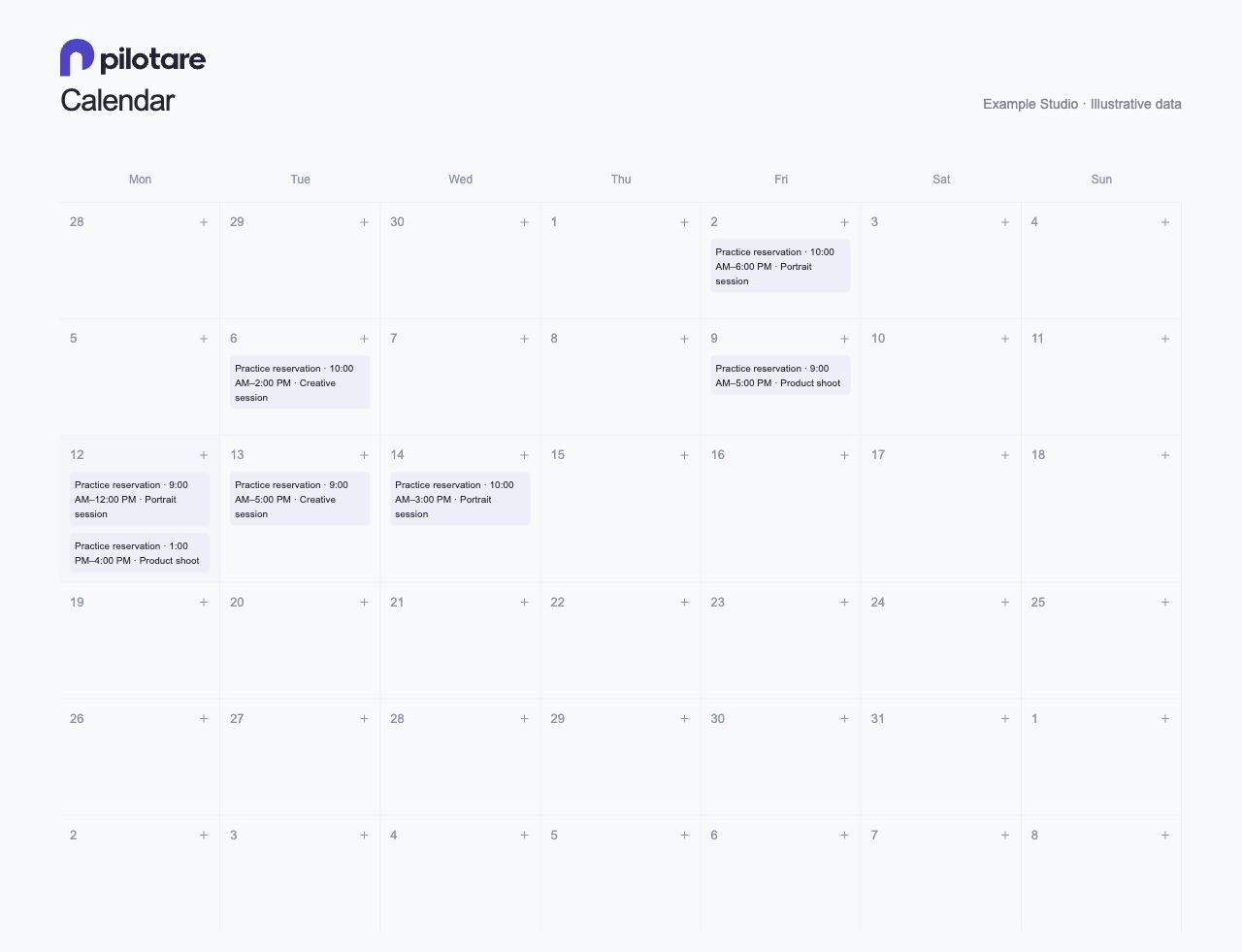
See reservations across your spaces and keep committed time protected.
Open full image ↗ (new tab)One-off rentals and two ways to manage memberships—all in one place.
Renters choose a time and pay at checkout. No membership needed.
Each verified recurring payment starts a paid period and adds the plan’s included hours.
Confirm each paid period and unused hours in Pilotare so your members can book online.
Hours follow the plan’s space and booking rules. Adding a member never transfers or charges an outside subscription. Unused outside-paid hours expire at period end and do not roll over.
Built for owners who want a welcoming way to book their space and a clearer view of the day ahead.
Give each independently bookable room its own calendar, rates, and rental rules. Current plans cover one or up to five spaces.
Manage one-off bookings alongside memberships, with payments and member hours in one place.
Share your booking page through your website, social profiles, or directly with renters. Pilotare does not provide marketplace traffic.
Need class enrollment, staff permissions, or security deposits? Check the features and limitations or talk with us about your studio.
Start by looking around. When you’re ready to check your payment setup, our practice booking guide walks you through it.
Questions about setup, moving your records, or a workflow you rely on? Contact us before you switch.
Set up your studio